Amiga 1200 drivers
If you read my previous post about getting my new (to me) Amiga 1200 and sorting the maintenance and hardware upgrades, I didn’t say a lot about software beyond the new OS on the CF card. This was on purpose, as I did run into some driver issues during setup. And while I had solved them at the time I wrote the previous post, there was a little trial and error involved given I haven’t really used an Amiga before. So since that last post I re-imaged my CF card with the clean image I took and started again driver wise so I could document what I did (for me probably more than anyone else). I am still very much learning here - so while this works there is very probably multiple better ways to do this. Please get in touch to let me know!
So booting up with all hardware installed (including the accelerator) on a fresh install of Amiga OS 3.2.3 I was greated with the following screen:
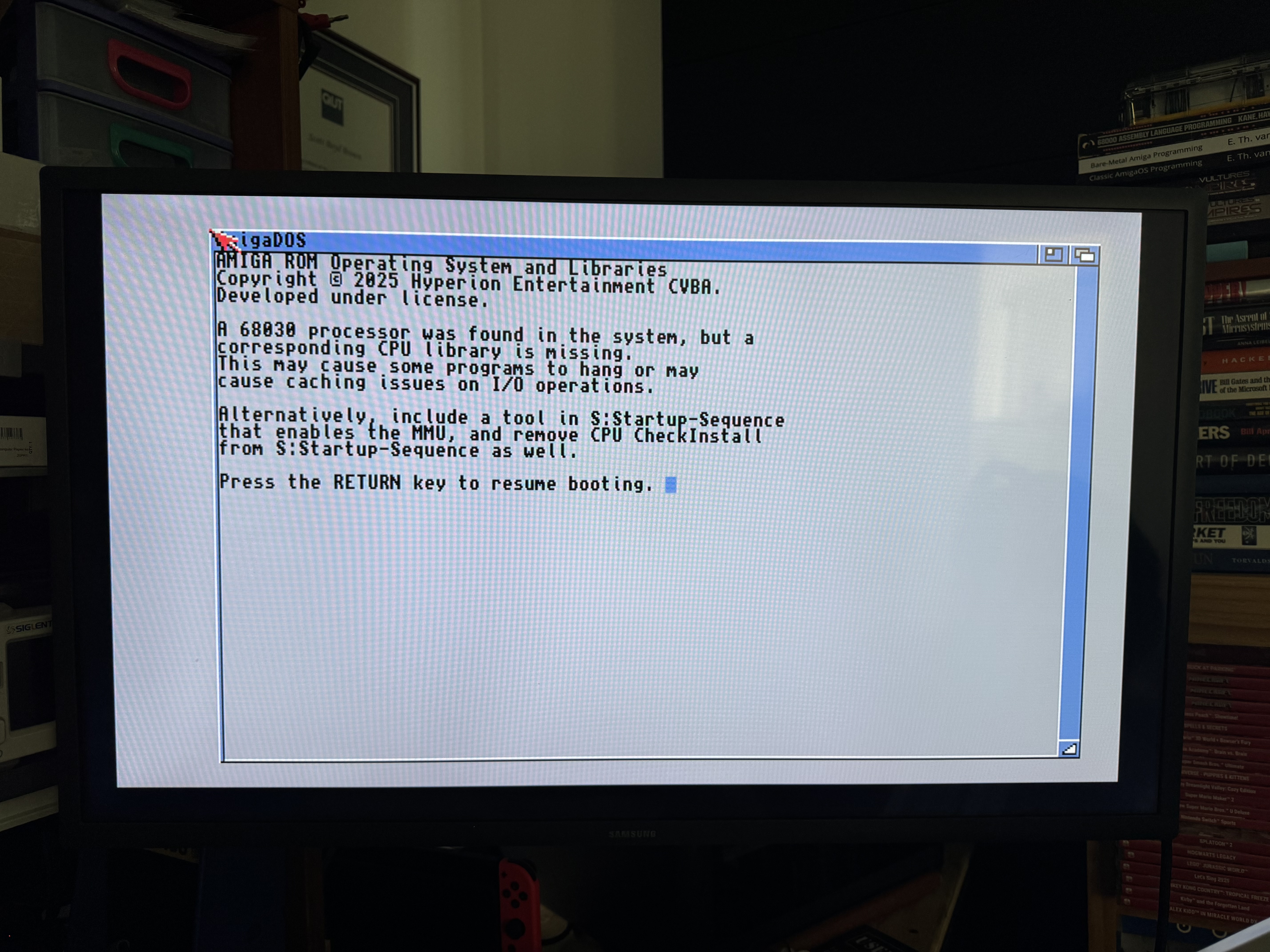
If you hit enter the machine boots fine to Workbench. Seaching online I needed to install the missing libraries which are part of the MMULib available on aminet. The LHA file is an archive file for Amiga. I could download the file easily - how was I going to get it onto my freshly upgraded Amiga though? A little more searching online and I had a few options:
- Pull the CF card from the machine, install an emulator like WinUAE (more on that in another post) and mount the card inside the emulator to move files
- Create an ADF (Amiga Disk File), probably in an emulator again, add the file to the ADF and then put that on the USB flash drive in my external Gotek
- Put the file on a FAT formatted CF card and use a PCMCIA to CF adapter and plug that into the Amiga
The third option sounded by far the easiest - however when I inserted the PCMCIA card into the Amiga nothing happened. It wasn’t recognised and no drive icon showed up on the workbench. So back to searching online and it turns out there were drivers needed for this too. This was one of those things were I tried multiple avenues and got it working before reasling there was a very simple answer. The installer for the drivers is already on the internal CF card imaged with Amiga OS 3.2.3 Open the “Work” drive, then Drivers and finally CF-Adapter. I double clicked on the Install_ES (which is actually in Spanish - I guess that is the ES in the file name) and it installed the relevant drivers without any user interaction:
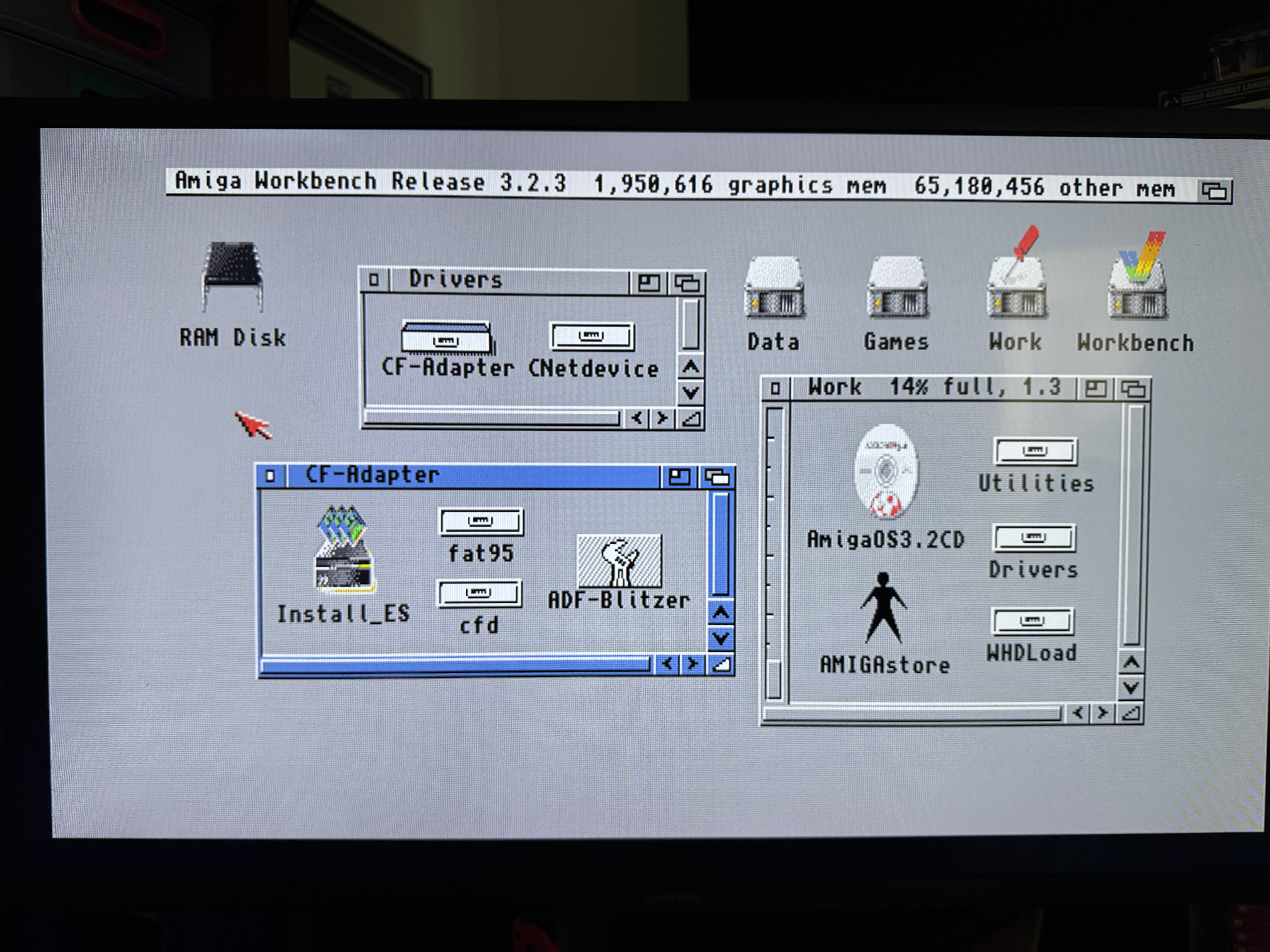
I then had to reboot the Amiga and when I plugged in the PCMCIA card (continaing the CF card) it showed right up on the workbench!
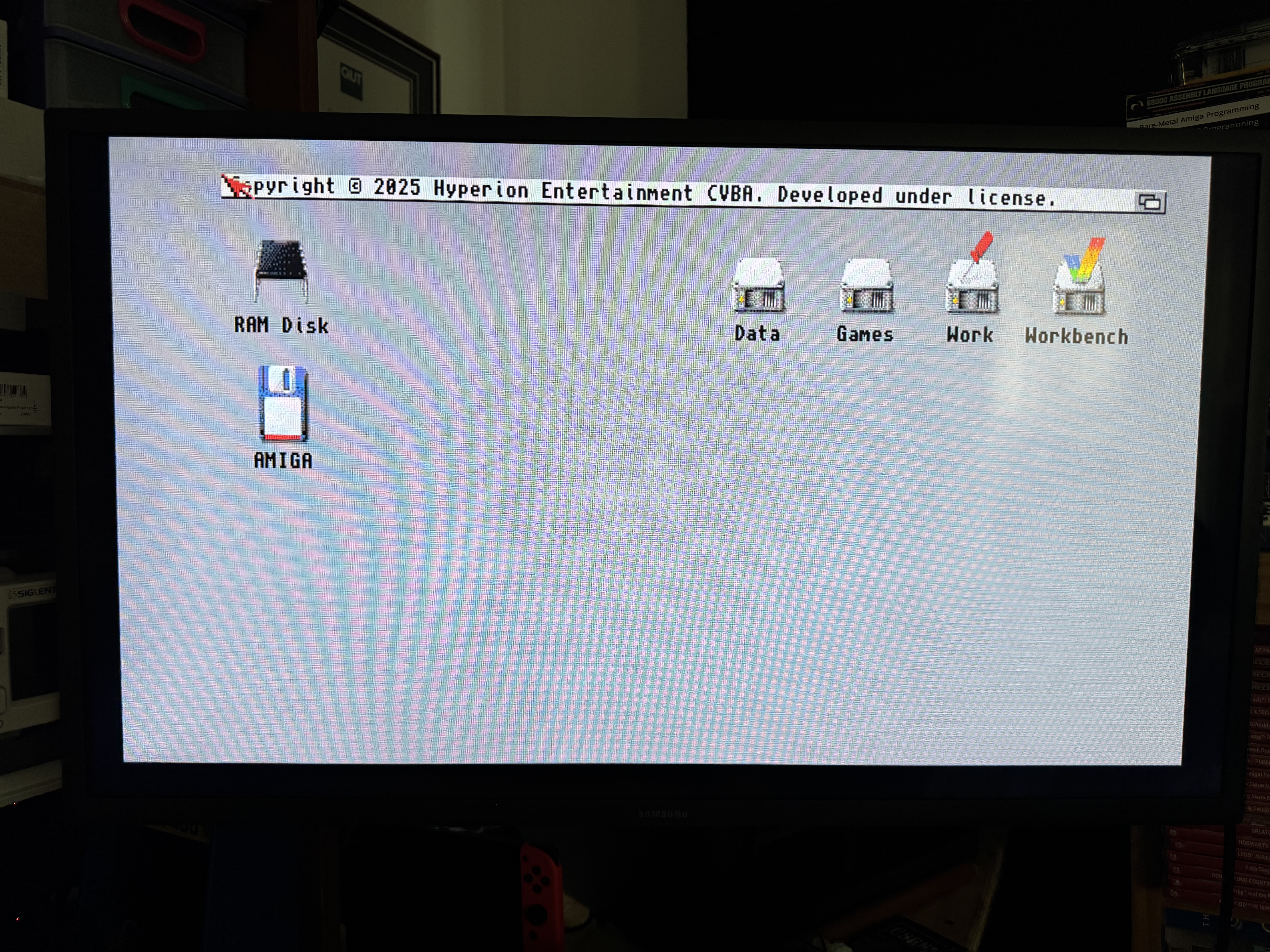
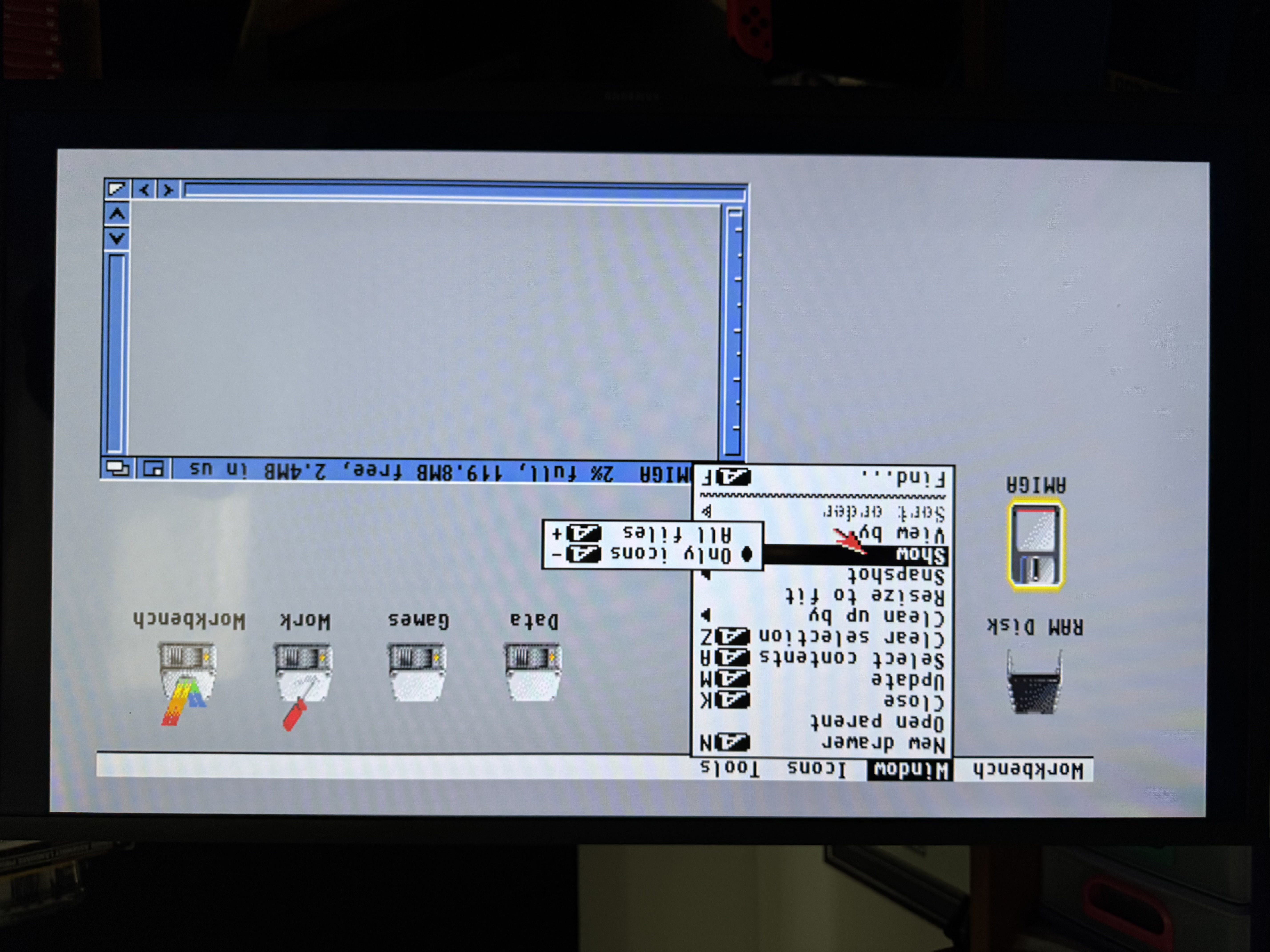
Although when I opened the drive - there was nothing there! I triple checked and I’d put multiple files on the CF card. When I opened a shell on the Amiga and did a directory listing I could see the files. It turns out I needed to toggle the menu option to show all files (I told you I haven’t used Amiga OS right?):
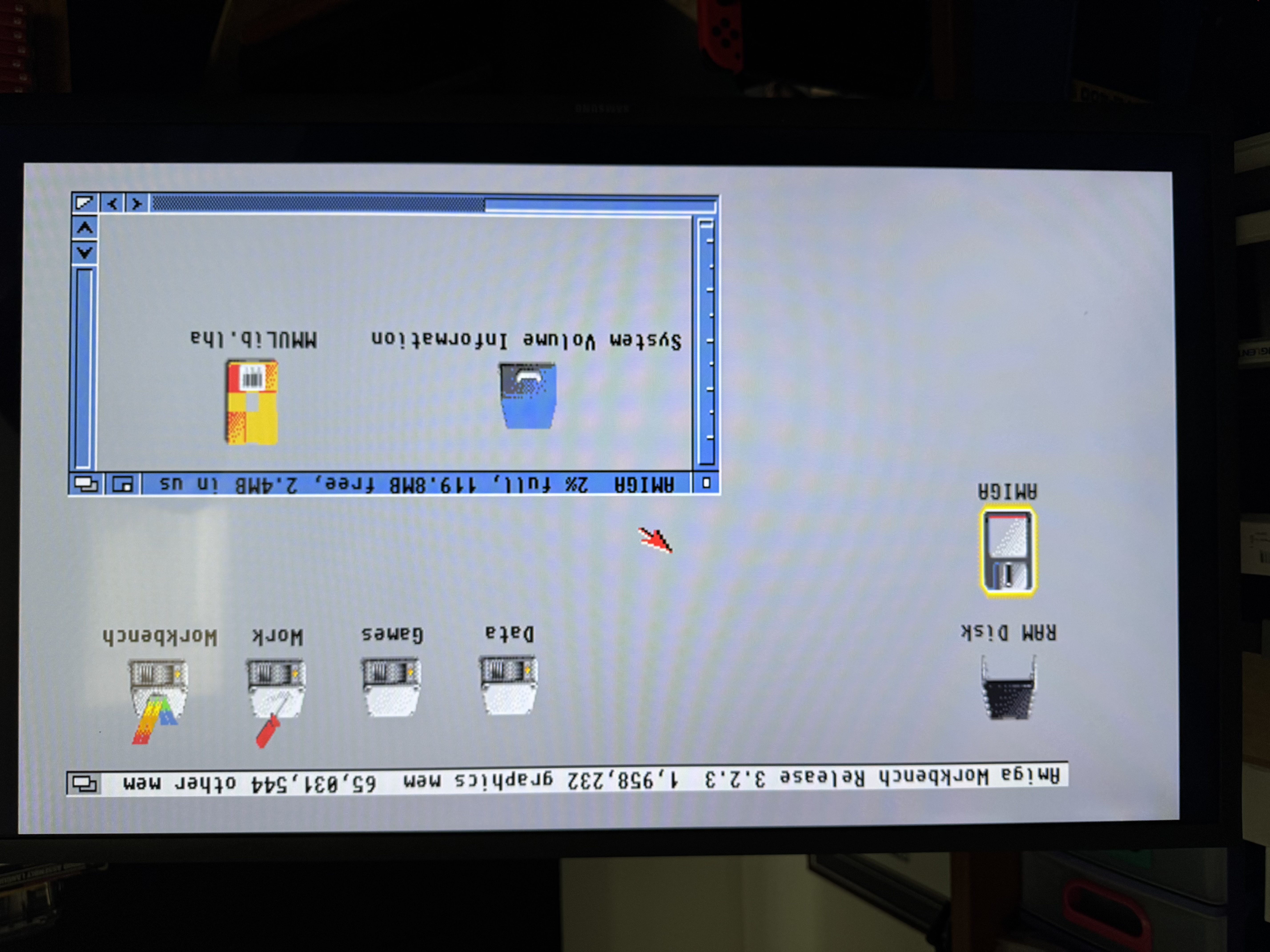
So I now had a way to get files onto the Amiga - starting with the MMULib I needed for the accelerator installed. I went to extract the MMULib file and realised that the LHA archiving utility was also not installed - so I needed to grab that from aminet too. I put that on the CF card and while I was at it I also grabbed the IndivisionAGAmk3.lha software package from the AGA MK3 documentation page. This lets you configure display options for the AGA MK3 (including turning on sound over HDMI which is a great option for me using a TV as a display). With both files on the CF card I put it back in the PCMCIA adapter and back into the Amiga:
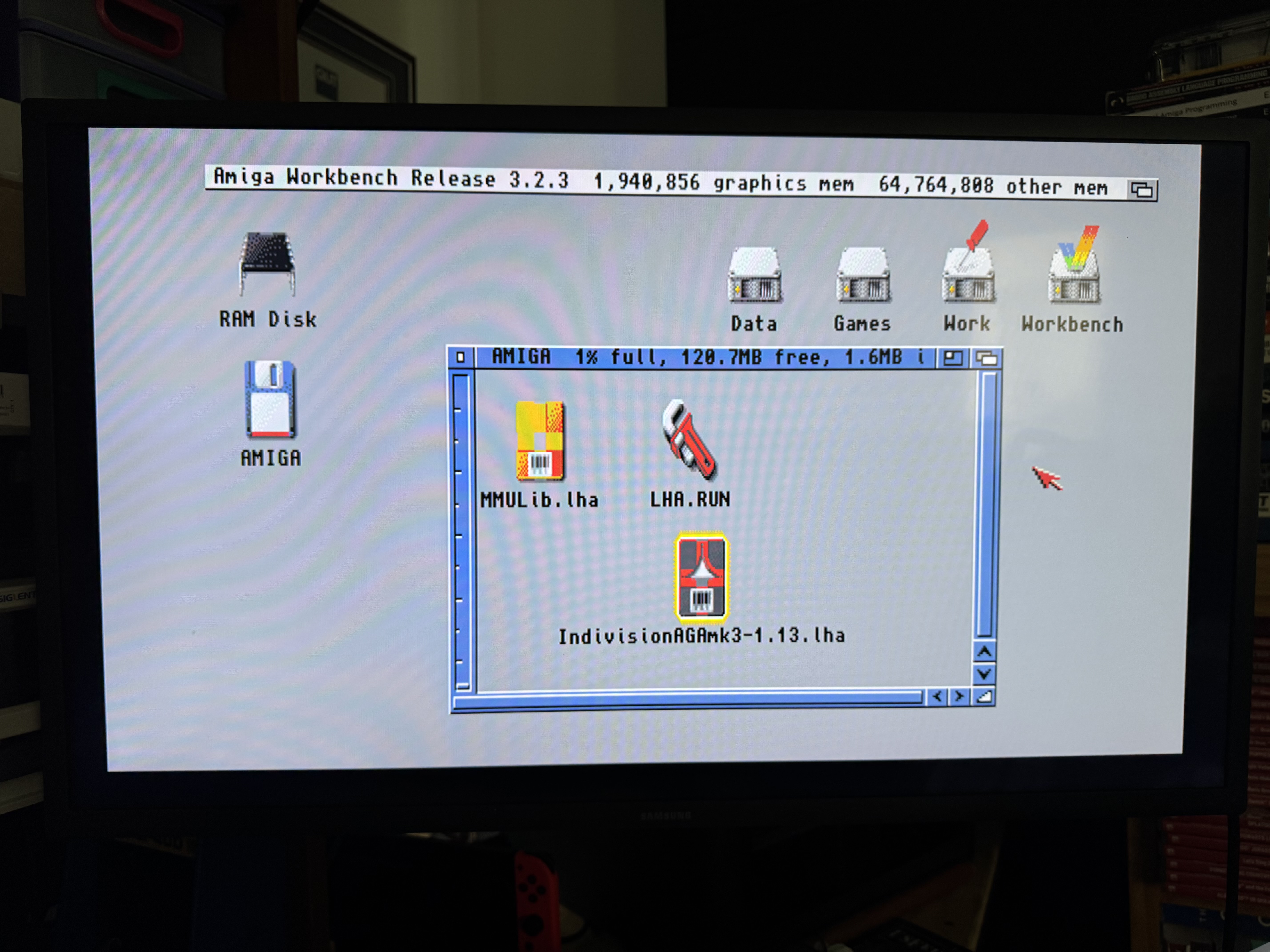
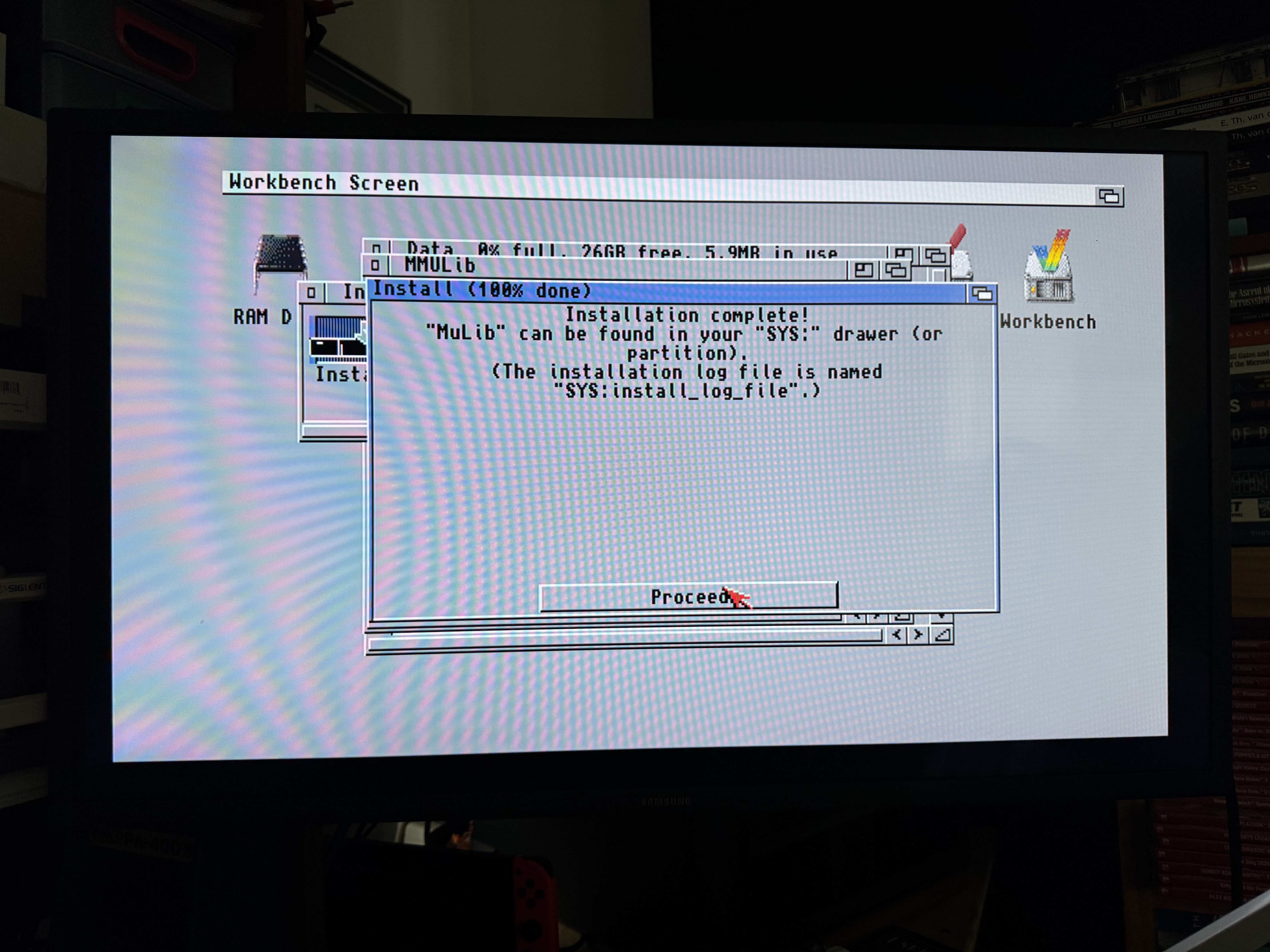
At this point I copied all files to the “Data” drive that exists on the internal CF card before going any further. I then opened the Data drive and double clicked the LHA.RUN file which extracted the LHA utility. I then copied the lha_68k file to the C: drive folder on the Work partition, and renamed it lha. This allows me to run lha from anywhere now. With that done I opened a shell, changed directory to the Data drive and ran lha e MMULib.lha and it extracted the MMULib files into a MMULib folder. I opened it, and then opened the Install folder and double clicked the installer. There are a lot of options here (and was part of my trial and error attached to the last blog post - as most online results tell you to go the advanced option and verify every setting). This time I selected easy install (ie all defaults accepted) and watched it install. It opens the readme file during the install to make sure you at least know its there even if you don’t read it. It all went smoothly:
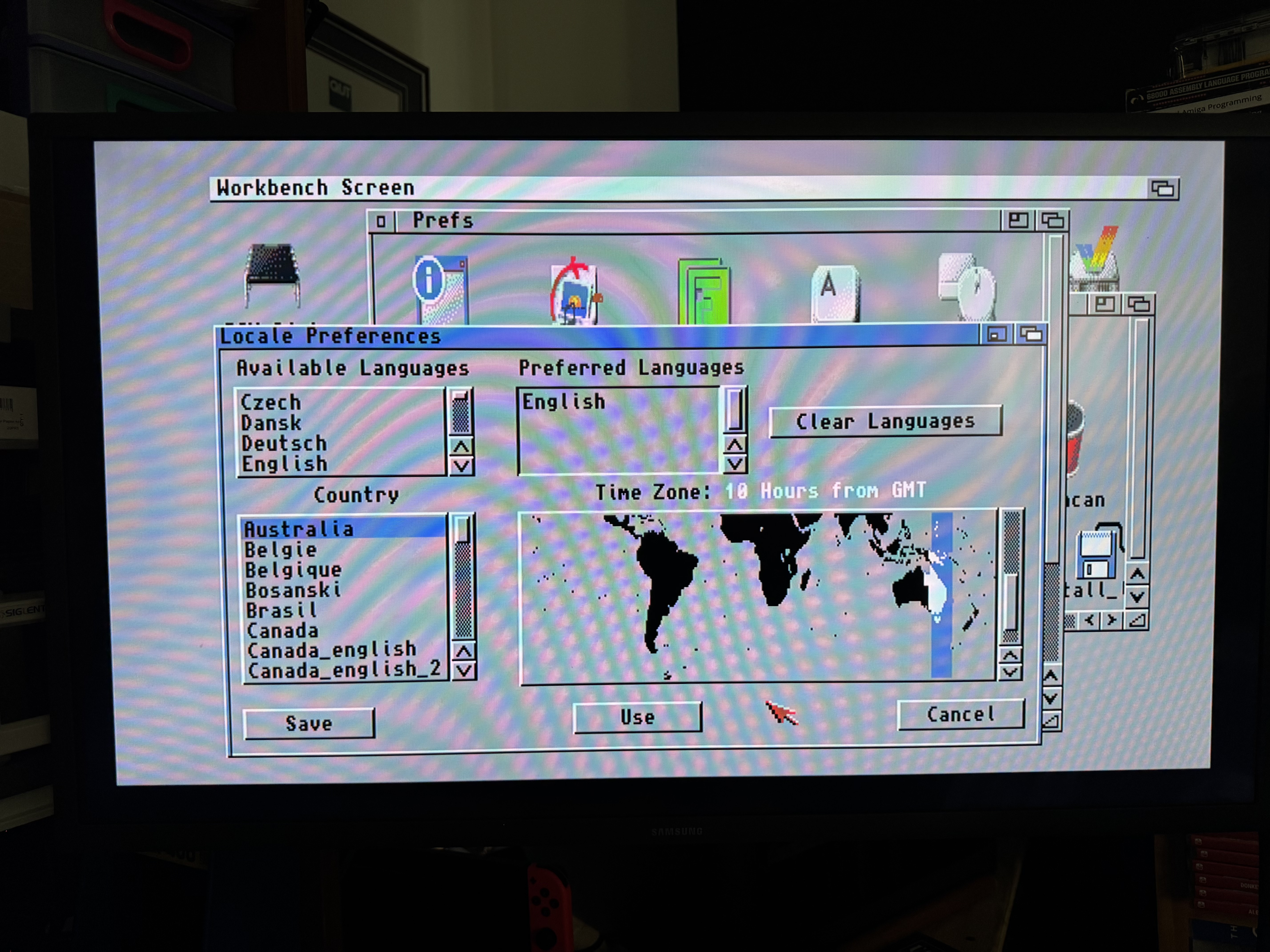
I rebooted and no more pop up about missing CPU libraries! Remember - back where this blog post started. The last bit of setup was to change some of the OS preferences. I set my location and timezone, the time and date (there is a working battery backed RTC on the accelerator) and set the number of colours to 256. I know there must be a whole bunch more OS config I can do to make it look and work better. This is just what I have so far:
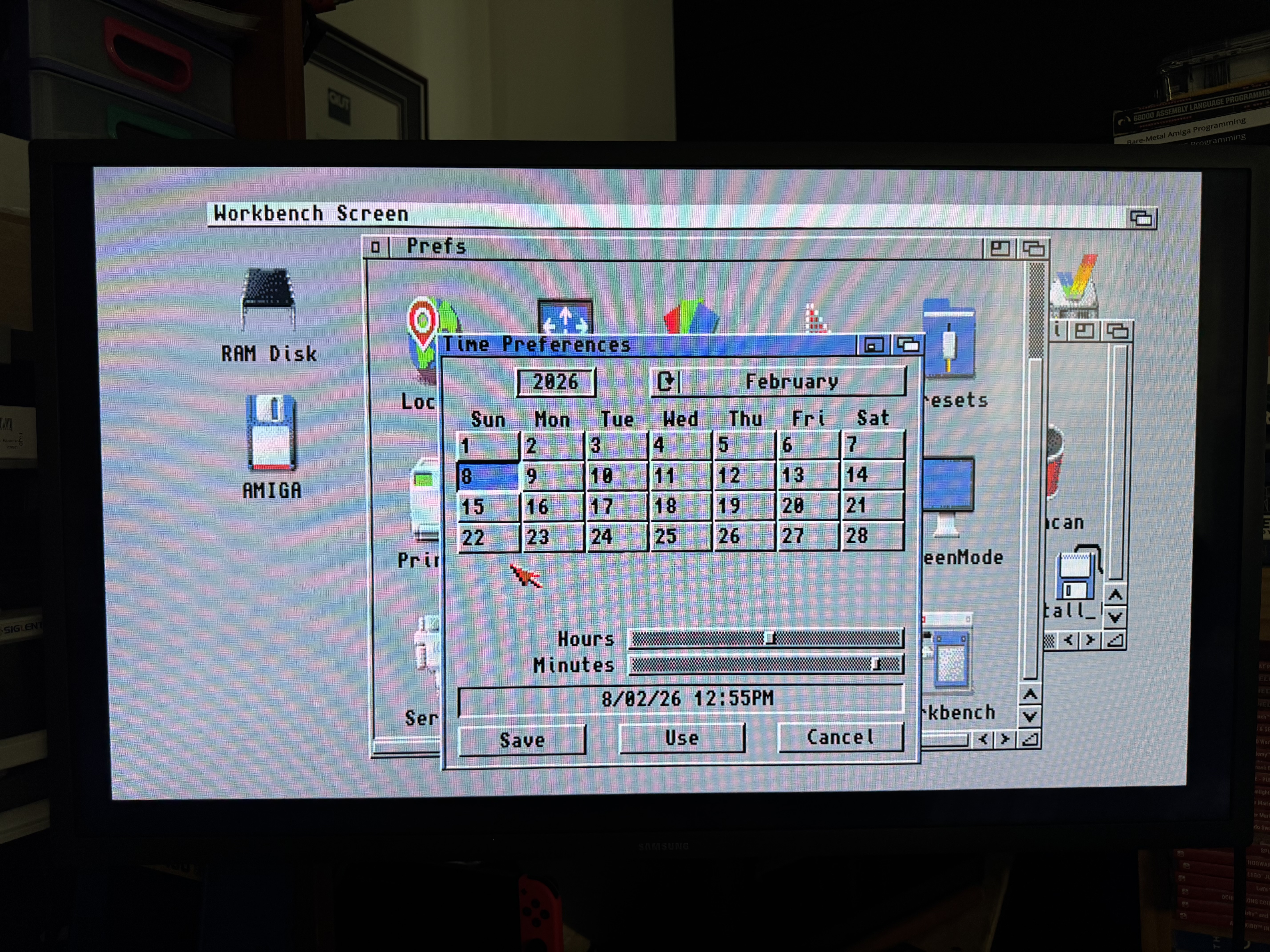
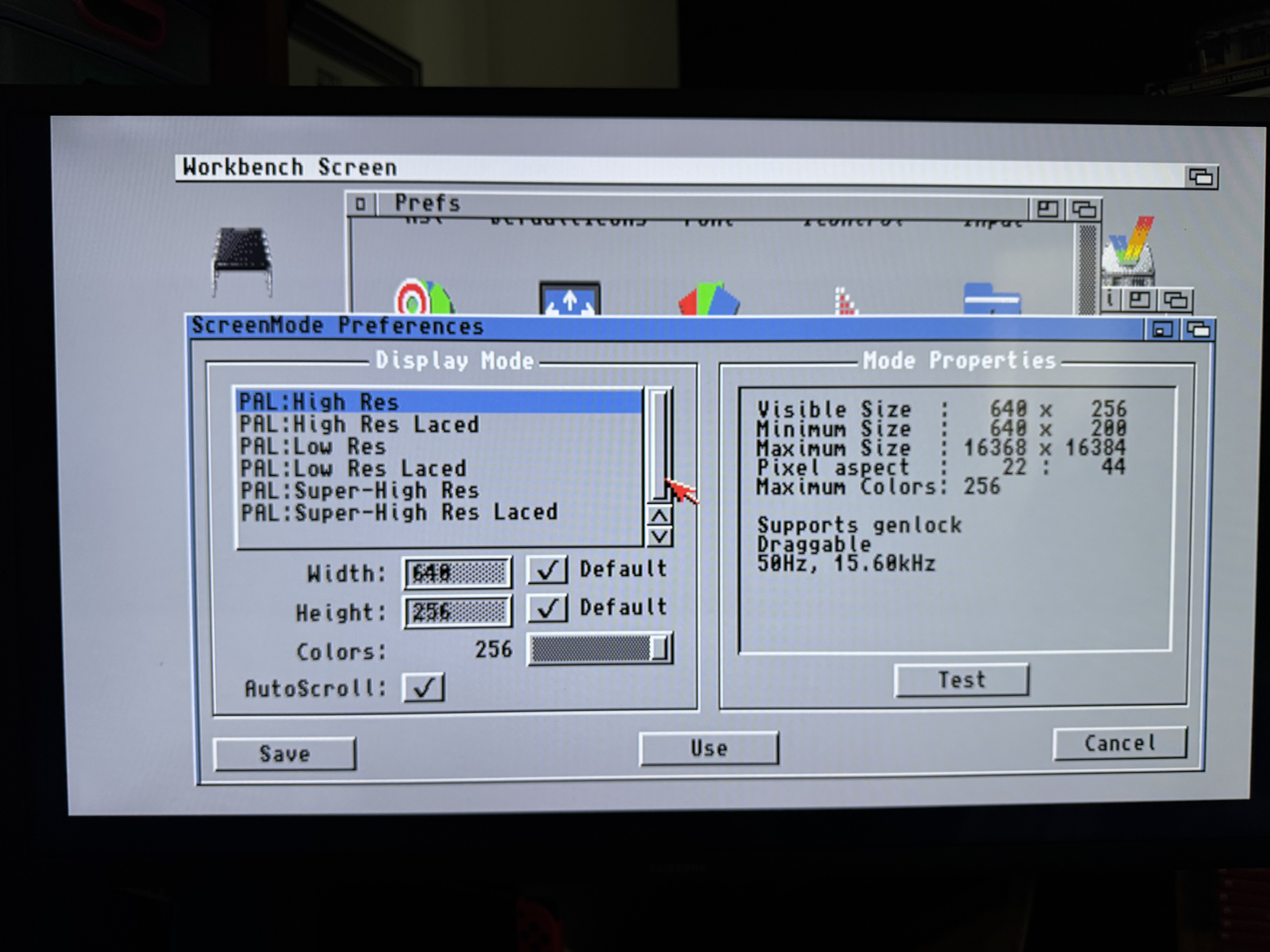
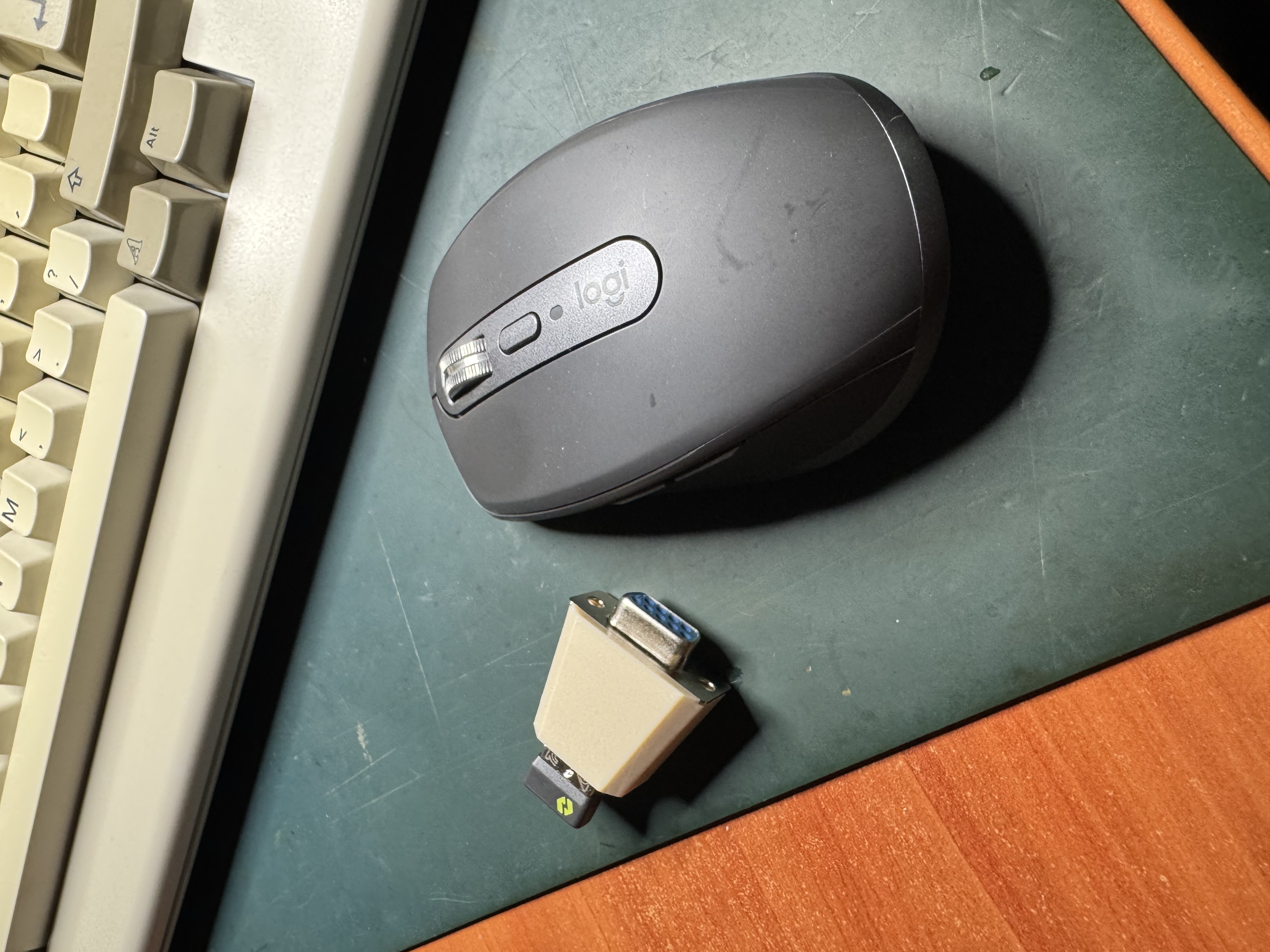
And finally there is one more simple hardware upgrade I have purchased since my previous blog post - its a serial to USB adapter in a nice little 3d printed case. This allows me to use a modern optical wireless mouse with the Amiga. I’ll hang on to the original Amiga corded ball mouse I have - but I’ll be using the wireless optical mouse:
Now the setup is done and documented, I’ve started playing around with the machine more to get to know it better and how to actually use it. More to come on that in future posts.